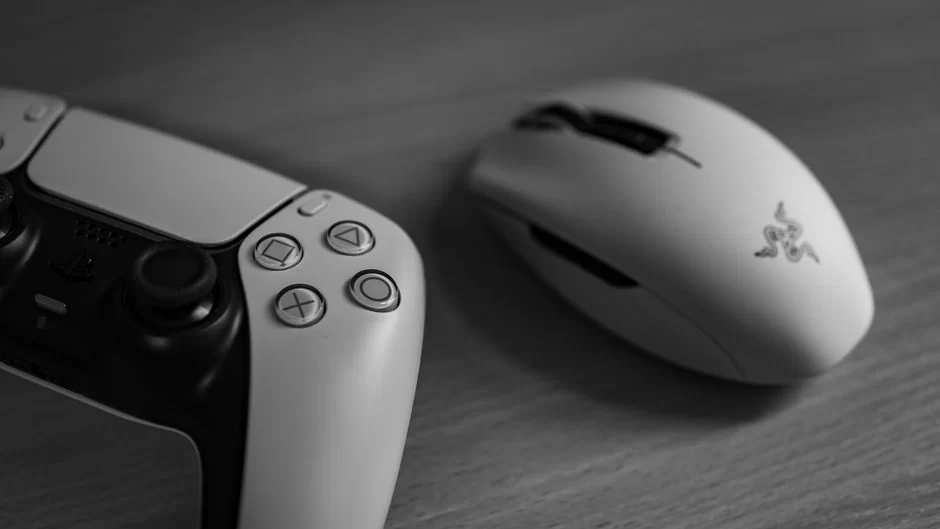
Editorial Disclosure: This post contains affiliate links. When you make a purchase through these links, we may earn an affiliate commission at no extra cost to you.
The Razer Huntsman Signature Edition demonstrates how focused hardware design can transform high-tier desktop setups, highlighting specialized engineering within input devices. For consumers evaluating Razer gaming hardware, understanding these distinctions helps navigate an expansive ecosystem spanning ultra-dense laptops, specialized keyboards, competitive mice, and spatial audio headsets.
Modern gaming desks require careful balancing between raw utility and cohesive aesthetics. Razer organizes its peripheral collections around distinct usage profiles, ensuring that competitive esports competitors and daily workstation users find specialized tools tailored to their unique ergonomics and workflow demands.
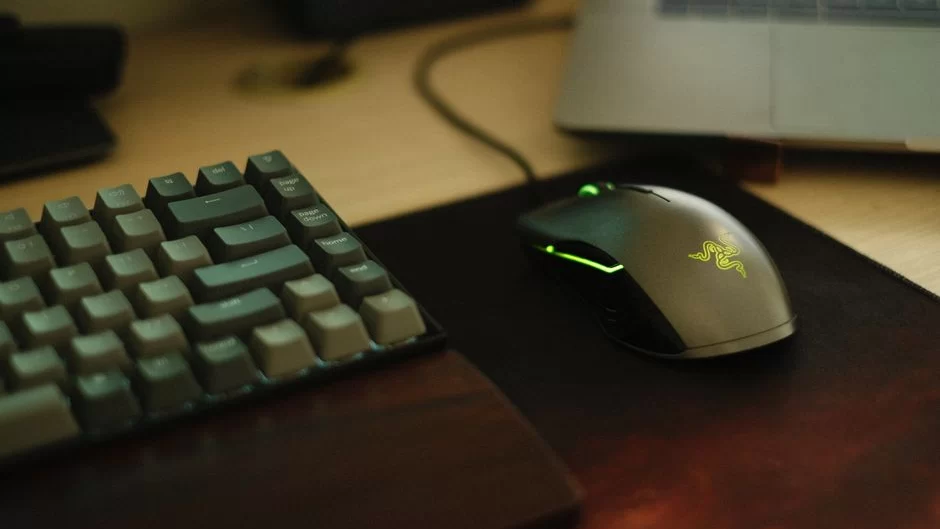
The Portable Foundation: Razer Blade Laptops and Mobile Gear
At the center of mobile performance sits the Razer Blade series, offering dedicated form factors across the Blade 14, Blade 16, and massive Blade 18 chassis. These notebooks balance intensive computational power with slim metallic packaging, accompanied by tailored power adapters ranging from compact 100W USB-C GaN units to heavy-duty 400W Blade chargers.
To support hybrid setups, the brand extends its catalog into connectivity hubs such as the Razer Thunderbolt 5 Dock, laptop cooling pads, and ergonomic stands. Exploring the full ecosystem through the official Razer catalog reveals how neatly these mobile foundations interface with desktop monitors, handheld docks, and external GPUs.
Precision Control: Mice and Keyboard Lineups
Peripheral selection begins with input sensitivity and form factor. Razer splits its pointer lines into distinct philosophies: the ultralight Viper series engineered for fast-paced competition, the ergonomic DeathAdder collection, the versatile Basilisk line with high-end sensor options, and multi-button MMO options like the Naga V3 Pro. These devices pair alongside diverse surfaces such as the tempered glass Atlas or flexible Gigantus mats.
Keyboards mirror this tailored approach through several flagship families:
- Huntsman Family: Emphasizes speed with 8KHz polling rates, magnetic switches, and compact tenkeyless or Mini formats.
- BlackWidow Series: Focuses on tactile typing, featuring low-profile HyperSpeed wireless units, full layouts, and modular 75% barebones options.
- DeathStalker and Productivity: Low-profile ergonomic alternatives alongside Pro Type office solutions for hybrid productivity.
Equipping your desk with compatible digital entertainment often extends to software and gaming libraries; evaluating modern platforms through our guide to curating digital goods and gaming pairs well with selecting physical hardware.
Audio Immersion and Streaming Solutions
Auditory precision defines competitive awareness as well as casual entertainment. The BlackShark V3 series caters directly to esports audio fidelity, whereas the Kraken V4 lineup introduces immersive Sensa HD haptics alongside distinctive Kitty aesthetic options. For users requiring cross-device flexibility between mobile and console setups, the Barracuda line offers seamless multi-platform connectivity.
Beyond traditional desktop audio, Razer produces specialized streaming tools like the Blue Screen and dedicated controllers such as the Wolverine V3 Pro. You can browse further innovations within our broader digital technology section to see how peripherals complement modern workspaces.
Whether you require 8KHz hyper-polling rates for millisecond responsiveness or the silent efficiency of a low-profile productivity layout, selecting devices from the Razer store online provides direct access to coordinated desktop hardware.
Matching Razer Gaming Hardware to Your Desk Profile
Selecting the ideal hardware depends primarily on how you distribute your desktop hours. Fast-paced tournament players will benefit most from stripping down clutter: pairing a lightweight Viper V4 Pro with a Huntsman V3 Pro Tenkeyless maximizes mouse travel and minimizes latency.
Conversely, creators and hybrid professionals who split time between creative applications and immersive gaming will appreciate the tactile macro management of a BlackWidow V4 Pro matched with a customizable Basilisk mouse and comfortable Iskur seating. Curating compatible Razer peripheral lines creates a functional, cohesive battle station tailored precisely to your operational workflow.
Leave a Reply